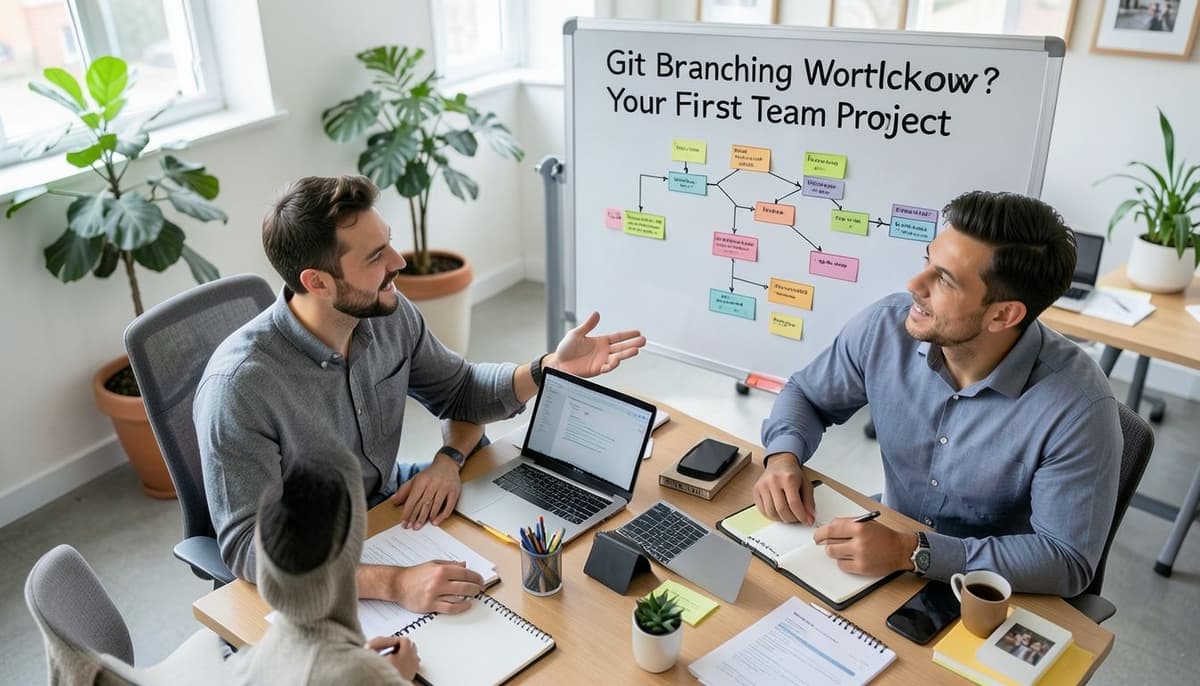
Git Branching Workflow for Your First Team Project
Choose a Simple Git Branching Model

For a first team project, keep the branching model small: main stays deployable, and each task gets one short-lived feature branch. If the team is building a React landing page and a checkout API, the work can live in feature/pricing-page and feature/create-checkout-session rather than in one shared development branch. That separation lets two developers work in parallel without mixing unfinished code. Avoid adding develop, release, or hotfix branches until the project has a real release process that needs them.
Agree on the workflow before the first ticket starts. Write down that main accepts changes through a pull request, feature branches start from main, and merged branches are deleted. For example, a password-reset task should move from issue to feature branch to review to main, with no direct push to the shared branch. These rules turn version control into a predictable team habit instead of a set of personal preferences.
Set Up Main and Branch Naming Rules
Protect main in the repository settings before anyone opens a pull request. Require passing automated checks and at least one approval, and block force pushes so a local mistake cannot rewrite the team's shared history. For a four-person team, one reviewer is often a practical starting rule; raise the requirement for sensitive payment or authentication code. Keep the rule visible in CONTRIBUTING.md so a new teammate can follow it without asking for a private explanation.
Use branch names that show intent and, when available, the task ID. Examples include feature/42-reset-password, fix/57-cart-total, docs/api-setup, and chore/update-node. Lowercase names with hyphens are easier to scan in terminal output and pull-request lists than names such as John'sNewBranch or work. Delete branches after merge so the remote list reflects active work instead of accumulating months of abandoned experiments.
Start Features from Updated Main

Before coding, synchronize with the remote and create the feature branch from the current main branch. Run git switch main, then git pull --ff-only origin main, and create the branch with git switch -c feature/42-reset-password. The --ff-only option stops Git from silently creating an unexpected merge commit during this update. Starting from a current base reduces the chance that a three-day task immediately conflicts with a change merged yesterday.
Check the branch name and starting point with git status and git log --oneline --decorate -5 before editing files. If the task already has an existing branch, fetch first with git fetch origin and compare it with origin/main rather than creating a second branch with a similar name. For a branch that is one commit behind, you can update it with git rebase origin/main after confirming your local work is committed. Do not rebase a branch that several teammates are actively using unless the team has agreed on the resulting history rewrite.
Make Small, Reviewable Git Commits

Make commits small enough that another developer can understand each change in a minute or two. A checkout feature might use one commit for the database migration, one for the endpoint, and one for the form, while a three-line typo fix should usually remain one commit. Run the relevant tests before each push, because a commit that is easy to review but fails the existing test suite still slows the team. Keep generated files, local environment secrets, and unrelated formatting changes out of the branch.
Write commit messages in the imperative mood, such as Add password reset validation or Fix cart total rounding. Each message should explain the intent, while the diff shows the implementation details. After checking the result locally, publish a new branch with git push -u origin feature/42-reset-password. If you discover a mistake before review, amend or squash it locally; once reviewers are commenting, prefer a new corrective commit so the discussion remains traceable.
Open a Pull Request and Run CI
Open the pull request as soon as the branch is ready for review, even if the change is only six files. Set main as the target, link the task, describe what changed, and record the exact validation command, such as npm test and npm run lint. For a login-form change, include the affected route, keyboard behavior, error-state screenshot, and any migration step a reviewer must run. Mark the request as draft only when you want early feedback before asking for approval.
Use continuous integration to run the same quality gates on the pull request that the team expects on a developer laptop. A useful first pipeline can install dependencies, run unit tests, run linting, and build the application in four separate visible steps. If the build fails because a package-lock file was omitted, fix the branch and push again rather than asking the reviewer to ignore the red check. CI is a signal, not a substitute for review: a test can pass while a button remains inaccessible or an API response exposes private data.
Review, Merge, and Keep Main Stable

Treat review comments as changes to the shared design, not as a vote on the author. If a reviewer asks for server-side validation on a price field, update the code, add a focused test for a negative value such as -1, and reply with the commit or file location. Resolve questions in the pull request so the final history records why the implementation changed. Ask for a second reviewer when the first comment reveals a broader concern about security, data loss, or public API behavior.
Choose one merge policy and apply it consistently. For a first project, squash merging a five-commit feature into one descriptive commit keeps main readable, while teams that need detailed release archaeology may preserve the individual commits. Merge only after required checks are green, approvals are current, and the branch is not behind main according to the repository rule. After merging, announce any manual deployment or migration step before starting the next task.
Resolve Conflicts and Clean Up Branches

When main changes during your work, update the branch before requesting final approval. Fetch the remote, run git rebase origin/main, and resolve conflicts one file at a time; for example, keep the latest shared button component while preserving your new checkout behavior. After editing a conflict, run git add on the file and git rebase --continue, then rerun tests. If the conflict becomes confusing, git rebase --abort returns the branch to its pre-rebase state so you can ask for help without losing the committed work.
Once the pull request is merged, remove the remote branch with git push origin --delete feature/42-reset-password and remove the local copy with git branch -d feature/42-reset-password. Then run git switch main and git pull --ff-only origin main before choosing the next ticket. If unfinished work remains, create a fresh branch from the updated main rather than continuing a merged branch. After a week, the repository should show a stable main branch, a small set of active tasks, and a history that explains each user-facing change.
Related Articles
Further Reading
Tags :
- Web Development