



Showing 1-12 of 54 Results
End-to-End AI Media Production
AI is reshaping media production from the first creative idea to the final published asset. Instead of treating ideation, writing, visual development, voice production, editing, and distribution as disconnected tasks, this course shows you how to design a complete AI-assisted production workflow that is efficient, repeatable, and guided by clear creative decisions. You will learn how to turn a brief into a strong content concept, develop scripts and storyboards with AI, select the right tools for images, video, voice, and music, and coordinate these capabilities into a coherent production pipeline. You will also practice managing consistency across scenes, refining outputs through structured feedback, and assembling polished media that matches a defined audience, format, and brand direction. The course is designed for content creators, marketers, creative professionals, entrepreneurs, and aspiring producers who want to use AI across the entire media lifecycle without sacrificing editorial judgment or creative quality. It is suitable for learners who are new to AI media tools as well as experienced creators looking to make their workflow more systematic. By the end, you will have a practical framework for planning and producing an AI-assisted media project from concept through delivery. Bring a real content idea and start building a production process that turns it into publishable media.
AI Video Generation and Storytelling
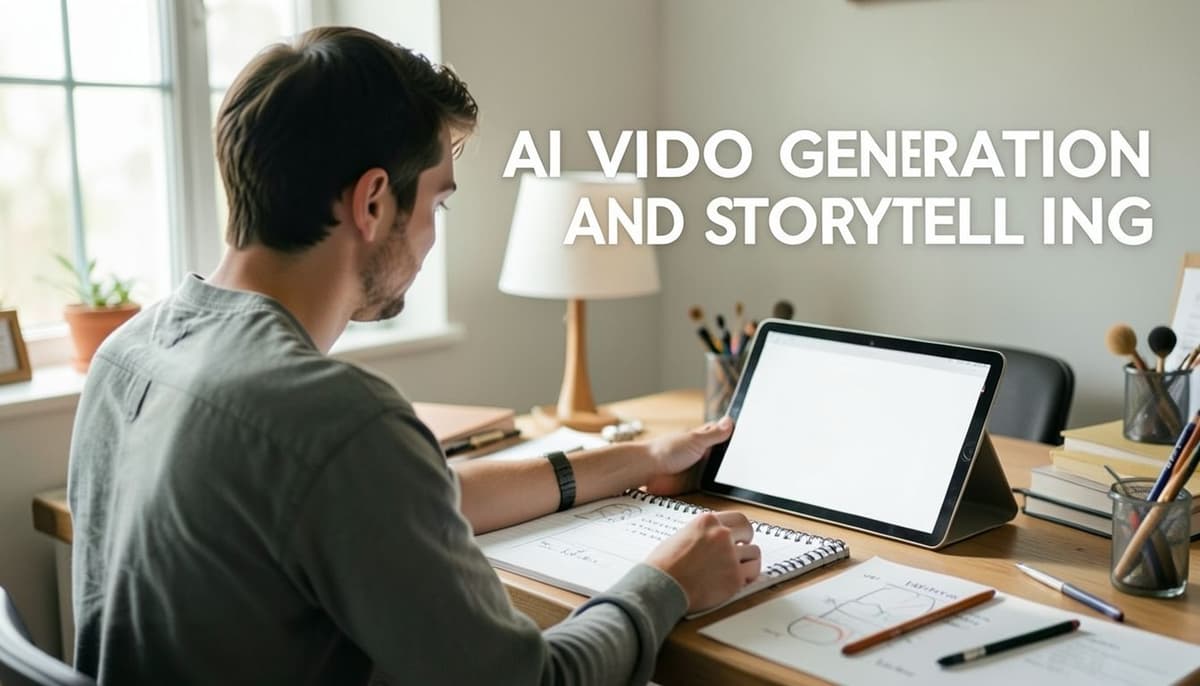
AI video generation has made it possible to move from a written idea to a visual sequence faster than ever, but compelling results still depend on thoughtful creative decisions. A striking clip is not automatically a story: creators need to shape a concept, guide visual consistency, and edit generated material into a clear emotional and narrative experience. This course gives you a practical process for doing that, from the first story beat to a finished short video. You will learn how generative video tools interpret prompts, how to turn an idea into a concise visual brief, and how to write prompts that specify subject, action, setting, camera, and mood. You will plan a sequence with story beats and a storyboard, then generate and refine shots while managing continuity across characters, locations, and visual style. Finally, you will assemble your clips, pace the edit, and use sound and transitions to support the story rather than distract from it. Each step builds toward a portfolio-ready short piece, with attention to both creative intent and the practical limits of current tools. This course is designed for designers, filmmakers, content creators, and curious visual storytellers who want to use AI video generation as part of a deliberate creative workflow. No prior machine-learning experience is required; basic familiarity with visual editing is helpful but not essential. Bring an idea you want to see on screen, and leave with a repeatable method for turning it into a coherent, polished AI-generated story.

Advanced AI Image Editing and Visual Design
Generative AI has transformed image editing from a purely manual process into a powerful creative workflow, but producing professional results still requires more than knowing which button to press. This course takes you beyond basic AI image generation and into the strategic decisions, visual judgment, and production techniques needed to create polished, coherent, and commercially usable imagery. You will learn how to analyze a visual brief, design precise prompts, direct composition and lighting, and edit existing images with AI while preserving essential identity and structure. The course also covers image-to-image workflows, masking and inpainting, style development, visual consistency across multiple assets, and practical methods for refining artifacts and unwanted details. You will connect creative direction with technical execution so that AI supports your design intent rather than replacing it. This course is designed for graphic designers, art directors, content creators, photographers, marketers, and creative professionals who already understand basic image editing or generative AI concepts and want to produce more controlled, sophisticated outcomes. It is especially suitable for learners building campaign visuals, branded content, editorial imagery, product concepts, or portfolio pieces. Build a repeatable AI-assisted design workflow, strengthen your visual decision-making, and turn rough concepts into presentation-ready images. Enroll now and start developing a more confident, precise, and production-ready approach to AI image editing.

Generative AI for Creative Workflows
Generative AI is changing how creative work is imagined, produced, refined, and delivered. The opportunity is not simply to generate more content, but to build a thoughtful workflow where human judgment and AI capabilities work together to turn rough ideas into polished creative outcomes. This course gives you a practical foundation for using generative AI across the creative process without losing originality, quality, or control. You will learn how to frame creative problems for AI, write prompts that produce intentional results, and iterate systematically instead of relying on random experimentation. The course then moves into multimodal workflows for developing concepts, text, visual directions, and variations, before showing you how to connect AI tools into a repeatable creative pipeline. You will also explore agent-style task delegation, quality evaluation, revision strategies, and responsible practices for protecting context, authorship, and brand consistency. This course is designed for designers, marketers, content creators, strategists, writers, and creative professionals who want to use generative AI as a reliable working partner. It is suitable for beginners who want a structured starting point as well as experienced practitioners looking to make their process more efficient and scalable. By the end, you will have a practical framework for designing and evaluating an AI-assisted creative workflow that can support real projects from initial brief to final deliverable. Start building a smarter, more intentional creative process today.
Securing and Operating MCP Systems in Production
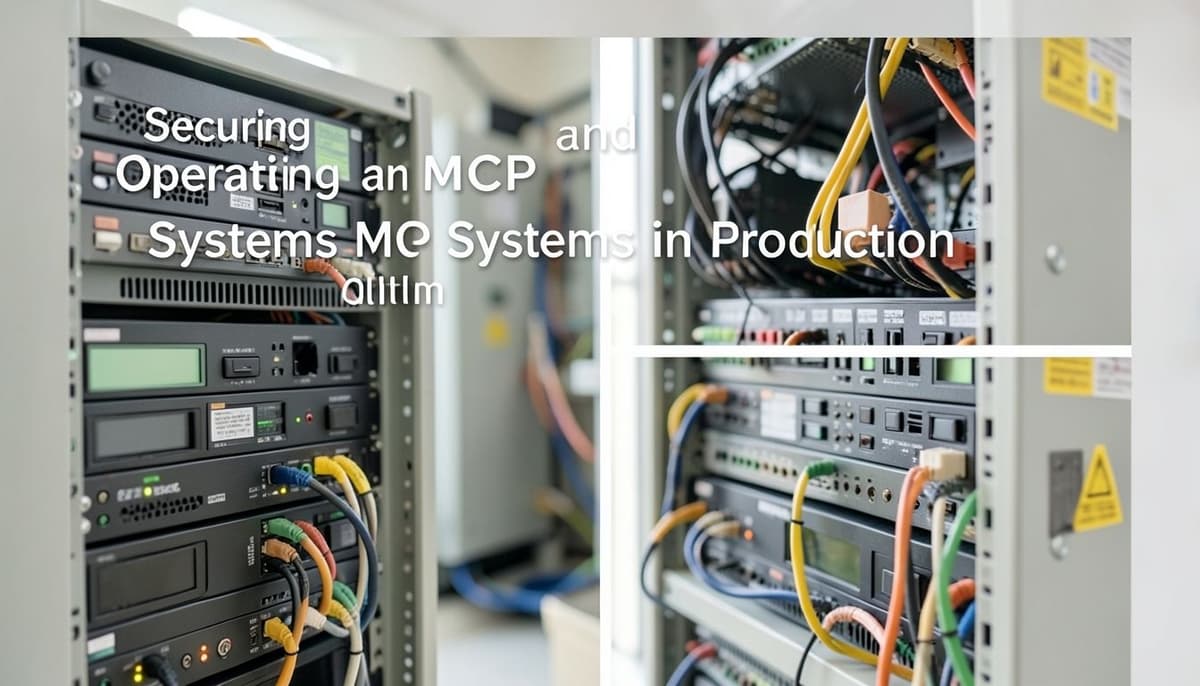
Model Context Protocol systems make it possible for AI agents to connect with tools, data sources, and operational workflows, but production deployment introduces serious security and reliability challenges. Misconfigured permissions, untrusted servers, leaked credentials, weak validation, and poor observability can turn a useful agent integration into a significant business risk. This practical course teaches you how to secure and operate MCP systems with production-grade discipline. You will learn the MCP architecture and trust boundaries, identify threats across clients, servers, tools, and data flows, design least-privilege authorization, protect secrets and credentials, validate tool inputs and outputs, and establish controls for untrusted or third-party MCP servers. The course also covers secure deployment patterns, audit logging, monitoring, incident response, version management, and operational testing. The course is designed for AI engineers, platform engineers, security practitioners, backend developers, and technical leads responsible for deploying agent systems beyond the prototype stage. Familiarity with APIs, authentication, and basic cloud or software operations will help, but the lessons focus on practical production decisions rather than specialized security theory. By the end, you will be able to evaluate MCP security risks, define defensible controls, build an operational readiness checklist, and respond to failures with clear evidence and containment steps. Move from experimental agent integrations to MCP systems that are secure, observable, and ready for real-world operation.

Integrating MCP with AI Agents and Applications
Model Context Protocol (MCP) is changing how AI agents connect to real-world capabilities, data, and workflows. Instead of building one-off integrations for every application, developers can create structured connections that allow agents to discover and use tools, access resources, and interact with external systems through a consistent protocol. This course gives you a practical path from understanding MCP fundamentals to integrating it into reliable AI-powered applications. You will learn how MCP works at the architectural level, including the relationship between hosts, clients, and servers. You will then configure an MCP environment, expose tools and resources, connect an AI agent to MCP capabilities, and design workflows that let agents select and invoke the right functionality. The course also covers input validation, permissions, error handling, observability, and practical security considerations for production-oriented integrations. This course is designed for software developers, AI engineers, and technical product builders who already understand basic programming and want to build more capable agent applications. Familiarity with APIs, JSON, and large language model concepts will help, but you do not need advanced machine learning expertise. By the end, you will have the knowledge to evaluate MCP use cases, build a functional MCP server, connect it to an AI agent, and assemble a complete application workflow around it. Start building AI systems that can interact with the tools and information your users actually need.

Git and GitHub for Beginners
Git is the foundation of modern software collaboration, yet the first steps can feel confusing: repositories, commits, branches, remotes, and pull requests all introduce new concepts at once. This beginner-friendly course turns that complexity into a clear, hands-on workflow so you can track your work confidently and collaborate through GitHub. Across six progressively structured lessons, you will learn how version control works, how Git differs from GitHub, and how to configure your local environment. You will practice the essential local workflow of checking changes, staging files, creating meaningful commits, and reviewing project history. From there, you will create and merge branches, connect a local repository to GitHub, push and pull changes, and keep your work synchronized with a remote project. The course also introduces the collaboration habits that make GitHub effective, including pull requests, code review, and shared development workflows. In the final lesson, you will work through merge conflicts and apply a repeatable process for inspecting, resolving, and validating conflicting changes. This course is designed for students, aspiring developers, career changers, and anyone who wants a reliable foundation in Git and GitHub without assuming prior version-control experience. You will learn by working through practical tasks rather than memorizing isolated commands. Start building the version-control skills used in real software projects and make your first confident contribution with Git and GitHub.

Power BI for Business Reporting and Dashboards
Business decisions are only as good as the reports behind them. This practical course shows you how to turn disconnected business data into clear, interactive Power BI reports and dashboards that help stakeholders see performance, investigate changes, and act with confidence. You will move from raw data to a polished reporting solution through a structured, repeatable workflow. Across six progressively challenging lessons, you will learn how Power BI fits into the business reporting process, connect to common data sources, and use Power Query to clean and shape information for analysis. You will then design a reliable data model with appropriate relationships, build reusable business metrics with DAX, and create interactive report pages with filters, slicers, drill-through, and clear visual hierarchy. The course also covers publishing, sharing, refresh considerations, and practical maintenance so your work remains useful after it leaves your desktop. By the end, you will be able to choose suitable visuals for different questions, distinguish calculated measures from simple aggregations, validate results, and present trends and key performance indicators in a way that business audiences can understand quickly. The emphasis is on hands-on reporting judgment as well as Power BI features: every topic connects a technical decision to a real communication or analysis need. This course is designed for analysts, operations professionals, managers, consultants, and aspiring business intelligence practitioners who want a practical foundation in Power BI. It is suitable for learners who work with spreadsheets or structured business data and want to build more scalable, decision-ready reporting; prior Power BI experience is helpful but not required. Start building reports that answer real business questions and turn data into action.

Business English for Clear Workplace Communication
Clear communication is one of the most valuable skills in a modern workplace. Whether you are writing emails, joining meetings, presenting ideas, or collaborating with international colleagues, the way you organize and express your message can directly influence understanding, trust, and results. This course helps you communicate in professional English with greater confidence, precision, and ease. You will build a practical communication toolkit for everyday workplace situations. You will learn how to structure concise messages, choose an appropriate professional tone, write effective emails, participate actively in meetings, ask for clarification, express opinions diplomatically, and handle disagreement without creating unnecessary tension. You will also practice adapting your language to different audiences, from informal team updates to formal communication with clients or senior stakeholders. The course is designed for professionals, job seekers, team members, and non-native English speakers who already know basic English but want to communicate more naturally and effectively at work. It is especially useful for anyone who needs to collaborate across cultures, contribute in English-speaking meetings, or make their written communication clearer and more professional. Each lesson focuses on a specific workplace skill and builds toward realistic communication tasks. By the end, you will be better prepared to write messages people can act on, speak up with confidence, and make your ideas easier to understand. Start developing the professional English skills that make everyday workplace communication more effective.
Figma UI Design Fundamentals for Beginners
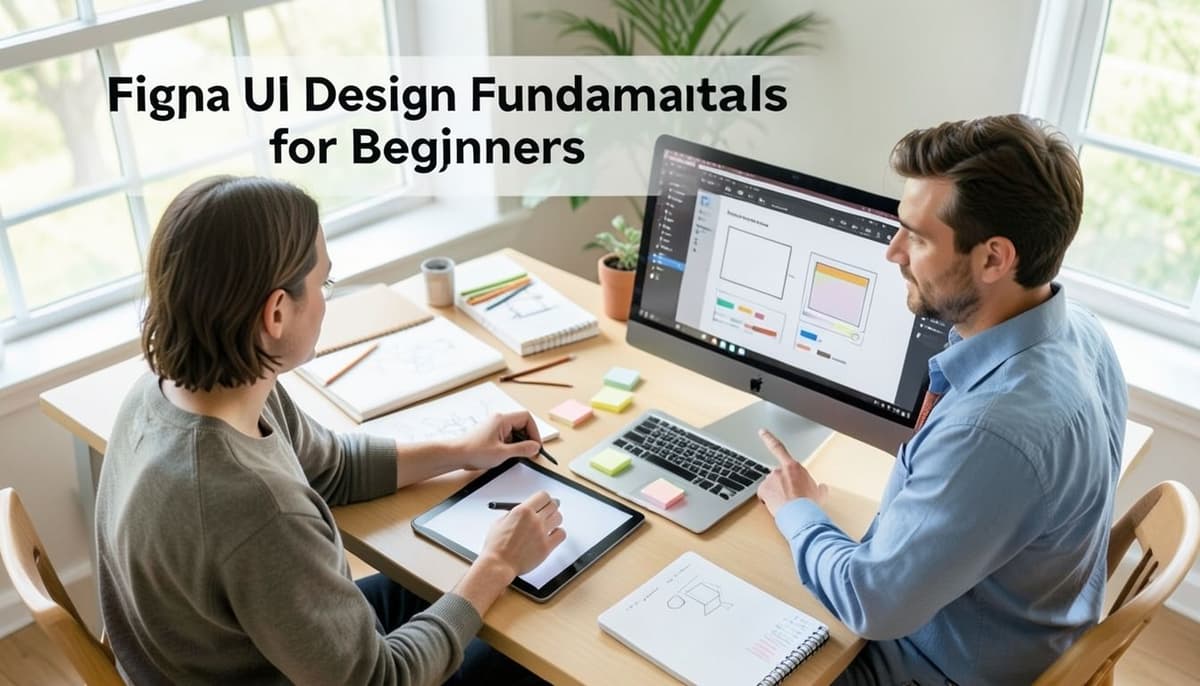
Great interfaces do not begin with decoration. They begin with clear structure, thoughtful visual decisions, and a design process that turns ideas into consistent, usable screens. This beginner-friendly course gives you a practical introduction to Figma while building the essential UI design habits needed to create polished digital products with confidence. You will learn how to navigate Figma, organize files, and work with frames, shapes, text, colors, and images. From there, you will apply core principles such as visual hierarchy, spacing, alignment, typography, and color to improve clarity and usability. You will also create reusable components, define variants, and use Auto Layout to build interface elements that remain consistent as content changes. Finally, you will combine these skills to design a complete responsive screen and connect it into an interactive prototype that can be presented and tested. The course is designed for aspiring UI designers, product team members, developers, marketers, and creative professionals who want a structured starting point in interface design. No previous Figma or design experience is required. Each lesson introduces one focused skill before guiding you toward increasingly realistic design tasks, so you develop both technical fluency and sound visual judgment. By the end, you will understand not only which Figma tools to use, but why particular design choices make an interface easier to understand and interact with. Start building your foundation today and turn a blank canvas into a clear, consistent, and clickable user interface.
Agile Project Management with Jira
Agile project management promises adaptability, transparency, and faster learning, but those benefits depend on more than creating a board and moving issues across columns. Teams need a shared operating model, a well-structured backlog, realistic sprint plans, and reliable data. This practical course shows you how to combine Agile principles with Jira’s core capabilities to coordinate work with clarity and turn everyday project activity into useful management insight. You will begin by understanding essential Agile concepts and how Scrum responsibilities, events, and artifacts translate into Jira. You will then learn to organize projects with epics, stories, tasks, and subtasks; configure workflows and boards that reflect how work actually moves; and build a prioritized backlog using clear issue details and estimation. Later lessons guide you through sprint planning, capacity-aware commitment, day-to-day execution, blocker management, and stakeholder communication. You will also interpret burndown charts, velocity trends, cumulative flow diagrams, and control charts to identify delivery risks and support evidence-based improvement. The course is designed for project managers, Scrum Masters, team leads, business analysts, product owners, and professionals who need to manage Agile delivery in Jira. It is also suitable for teams moving away from spreadsheets or informal task tracking. No advanced Jira administration experience is required, although access to a Jira Software project will help you complete the practical exercises. By the end, you will be able to set up and run a coherent Agile project in Jira from backlog creation through sprint review and continuous improvement. Start building a Jira system that supports your team’s decisions instead of merely recording its tasks.

SEO for YouTube, Social Media, and AI Search Platforms
Search is no longer limited to traditional web results. Audiences discover brands through YouTube recommendations, social media feeds, creator content, and AI-powered search platforms that summarize information and recommend what to explore next. This course helps you adapt your visibility strategy to the way people actually search, watch, compare, and make decisions across these connected channels. You will learn how to identify search intent, research valuable topics, and build an integrated keyword and content strategy for YouTube, social media, and AI search environments. The course covers YouTube titles, descriptions, metadata, and retention signals; social media discoverability through platform-native content and engagement; and the principles of creating authoritative, structured content that AI systems can understand and cite. You will also learn how to connect content across platforms, measure performance, and improve your strategy using meaningful signals instead of vanity metrics. This course is designed for marketers, creators, small business owners, SEO practitioners, and content teams who want their work to be found beyond traditional Google results. It is suitable for learners with basic digital marketing knowledge who need a practical framework for adapting SEO to modern search behavior. Build a search strategy that works wherever your audience is looking. Enroll today and start turning your content into a discoverable, trusted resource across video, social, and AI-powered platforms.
