



Lesson Scope and Production Goal
AI can accelerate media production, but it does not automatically create a coherent film. A useful workflow begins with a story objective and ends with production documents that another person can interpret consistently. In this lesson, you will connect four outputs: a script, a shot list, a storyboard, and a set of generation prompts. Each output should answer a different production question while preserving the same creative decision.
The script explains what happens and why it matters. The shot list translates that action into visible and audible units. The storyboard tests whether the visual sequence is understandable before generation. Prompts then describe the exact image or video requirements for each shot. Treating these as separate but connected documents reduces vague results, continuity errors, and attractive shots that do not contribute to the story.
A practical test is to remove all dialogue and ask whether the visual plan still communicates the main action. If the answer is no, the story probably depends too heavily on explanation. Begin with a one-sentence premise, a clear subject goal, and a visible change by the end. For example, a commuter notices a wallet, hesitates, follows its owner, and returns it. The visible change is not merely that the wallet moves; the commuter changes from uncertainty to deliberate action.
From Narrative Idea to Production Script
A production-ready script should define scene purpose before describing decoration. For every scene, identify the dramatic objective, the subject action, the information the audience must understand, and the transition into the next scene. This prevents the common problem of writing a sequence of events that has no visual priority. A short scene should usually have one dominant action, one emotional direction, and one reason to exist.
Consider a weak version of the wallet example: A person walks through a station, sees a wallet, thinks about returning it, and gives it back. The sequence is understandable but visually generic. A stronger version uses observable behavior: the commuter hears a train announcement, sees the wallet beside a bench, picks it up, notices a photo inside, looks toward the closing train doors, and runs. The photo supplies motivation without requiring a speech, while the train creates urgency.
Write action in concrete terms that a camera could capture. Instead of describing a character as feeling guilty, describe a pause, a tightened grip, a glance toward the departing passenger, or a change in posture. Dialogue should carry only information that cannot be expressed visually. Keep time, location, and character details stable in the script, because every later prompt will inherit these constraints.
Building a Shot List with Visual Hierarchy
The shot list converts the script into controlled units. Each shot needs a subject, an action, a framing choice, a camera angle or perspective, movement if necessary, sound, and an approximate duration. The purpose is not to document every possible camera option. It is to choose the minimum set of shots that makes the story legible and gives the viewer a deliberate rhythm.
Use shot size to control attention. A wide shot establishes the station and the commuter's position. A medium shot shows the discovery and the character's reaction. A close-up isolates the wallet, photograph, or hand movement when that detail changes the decision. A tracking shot can create urgency while following the commuter toward the train, but unnecessary movement may make AI-generated footage unstable and distract from the action.
Composition should support the narrative direction. Place the commuter with open space toward the departing passenger when the goal is pursuit. After the return, use a more balanced two-shot to communicate resolution. Screen direction also matters: if the commuter travels from left to right while chasing the passenger, maintain that direction across connected shots unless the story intentionally signals a reversal. Note this explicitly in the continuity column rather than expecting the generator to infer it.
Storyboarding for Continuity and Composition
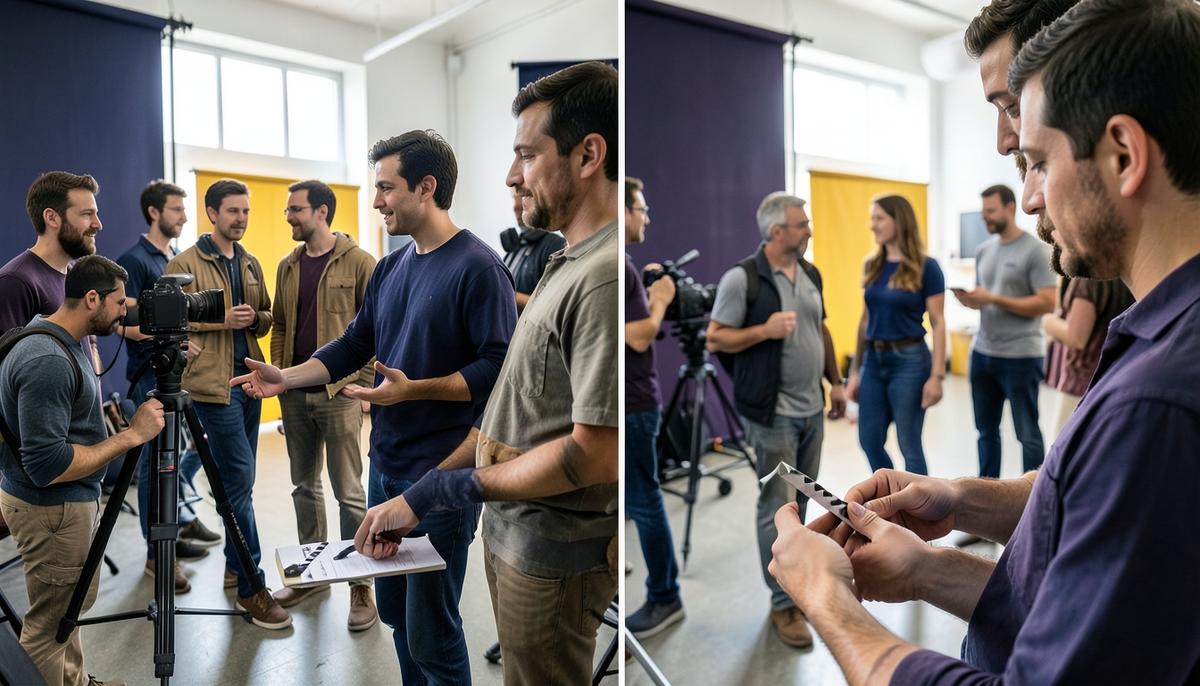
A storyboard is a reasoning tool, not a collection of attractive illustrations. Each frame should show the subject position, major prop, camera viewpoint, light direction, and the relationship between foreground and background. Even rough frames can expose a missing reaction, an impossible movement, or a change in location that the script never justified.
Start by drawing the largest shapes first. Mark the horizon, architectural lines, human silhouettes, and the strongest area of contrast. Then place the important prop. In the wallet example, the wallet must be visible beside the bench in the discovery frame, visible in the commuter's hand in the decision frame, and visible between both characters in the return frame. If the prop disappears between frames, the audience may lose the cause-and-effect chain.
Color and lighting can create continuity as well as mood. Use cool green and gray station colors for uncertainty, then introduce a warmer accent from the wallet's leather or a practical light near the final exchange. Keep the direction of the key light consistent. A sudden change from soft side light to hard overhead light may make the shots feel like different locations, even when the background appears similar.
Before generation, inspect the storyboard at thumbnail size. The eye should move from the subject to the important prop and then toward the next action. If every frame has the same scale, center position, and contrast, the sequence will feel static. If every frame uses extreme angles or dramatic color, the visual emphasis becomes noisy and the turning point loses importance.
Prompt Design for Repeatable AI Shots
A strong prompt describes a shot rather than merely naming a style. Include the subject identity, visible action, environment, framing, camera perspective, lighting, color palette, mood, and relevant continuity constraints. State what must remain consistent, such as a red scarf, a brown leather wallet, the commuter's dark green jacket, or left-to-right movement through the station.
Compare two prompt approaches. A vague prompt might request a cinematic person returning a wallet in a train station. It leaves the model to invent the time of day, character appearance, camera position, emotional beat, and visual hierarchy. A more useful prompt specifies a medium two-shot at eye level, a young commuter in a dark green jacket holding a brown leather wallet toward an older passenger, a station platform in soft late-afternoon light, muted gray architecture, warm highlights on the hands, both characters facing each other, and consistent left-to-right screen direction from earlier shots.
Prompt detail should follow production risk. If a shot is mainly an establishing frame, emphasize architecture, scale, and subject placement. If it contains a continuity-critical prop, describe the prop's color, material, size, and exact location. If the shot requires readable text, logos, or a specific face, treat those as high-risk elements and plan a verification pass. Do not assume that a long prompt guarantees accuracy. Contradictory instructions, overloaded style references, and unclear priorities can make the result less stable.
Keep a reusable identity description for recurring subjects, but tailor the action and composition for each shot. Prompt consistency is not achieved by copying the same paragraph everywhere. It is achieved by preserving identity and continuity details while changing only the variables required by the new shot.
Review, Revision, and Self-Evaluation
Review the complete package as one production system. First, read the script without viewing the storyboard and identify the intended story beat in each scene. Next, inspect the storyboard without reading the script and test whether the action remains understandable. Finally, compare each prompt with its corresponding shot-list entry. Any mismatch is a production risk: a close-up prompt for a wide shot, a night prompt for a daytime scene, or a missing prop can break visual continuity.
Evaluate visual clarity using four questions. Is the main subject immediately identifiable? Is the most important action visually dominant? Does the composition direct attention toward the next story beat? Does the color and lighting remain consistent unless a deliberate change is intended? These questions are more useful than asking whether an image simply looks cinematic. A beautiful frame that hides the wallet or points the viewer away from the character's decision is not successful for this sequence.
Then run a continuity check across identity, wardrobe, props, location, time, light direction, screen direction, and emotional progression. Record the highest-risk items and revise the documents before generating every shot. If the commuter's jacket changes, tighten the identity description. If the return feels unmotivated, add a visible insert of the photograph or a reaction shot. If the chase lacks energy, adjust duration and camera movement before adding more adjectives to the prompt.
Summary and Working Standard
The reliable workflow is premise, scene objective, script action, shot list, storyboard, prompt, review, and revision. The order matters because each stage tests a different question. The script tests meaning, the shot list tests coverage, the storyboard tests visual logic, and the prompt tests reproducibility. Skipping one stage usually transfers unresolved decisions into generation, where they are more expensive to fix.
Your final package should be understandable to a collaborator who was not present during the original idea discussion. It should show what the audience sees, why each shot exists, how subjects and props remain consistent, and what visual choices control attention. Use AI for exploration and iteration, but keep human responsibility for narrative purpose, continuity, composition, and quality judgment.
A production-ready result is not the longest document or the most elaborate prompt. It is the clearest connection between intention and visible evidence. When every scene has a purpose, every shot has a job, and every prompt preserves the required visual facts, AI becomes a practical production assistant rather than an unpredictable source of disconnected images.
Lesson Checkpoint
Review what you learned and get feedback on your work.