



Introduction
When an n8n workflow receives a list of items — say 500 rows from a spreadsheet or 1,000 contacts from an API — naively sending every single one to the next node can cause problems: rate limits, timeouts, memory spikes, or locked database tables. The SplitInBatches node solves this by chunking a list into smaller groups and releasing them one batch at a time, letting downstream nodes rest between groups.
Think of it as a controlled conveyor belt: instead of dumping 1,000 boxes on a worker at once, you feed them 50 at a time.

How SplitInBatches Works
SplitInBatches sits between your data source and the node that processes each item. On the first execution it emits the first chunk (configurable size, default 1 item), pauses, then on subsequent executions emits the next chunk until the list is exhausted. Each batch goes through the same downstream branch, so you typically pair it with a Set, HTTP Request, or database node.
Two important outputs exist on the node: "Done" fires once after the last batch is released — useful for a final summary or cleanup step — and "Loop" feeds the next batch back through your processing branch.
Basic Configuration
Open the node and set Batch Size to a number that matches what your downstream service can handle. For most HTTP APIs that limit to 100 requests per minute, a Batch Size of 10 with a Wait node of 6 seconds in between works well.
Wire the "Loop" output into your processing node, then from that node wire back to SplitInBatches so the next batch can be released. Wire the "Done" output into whatever summary step you need.
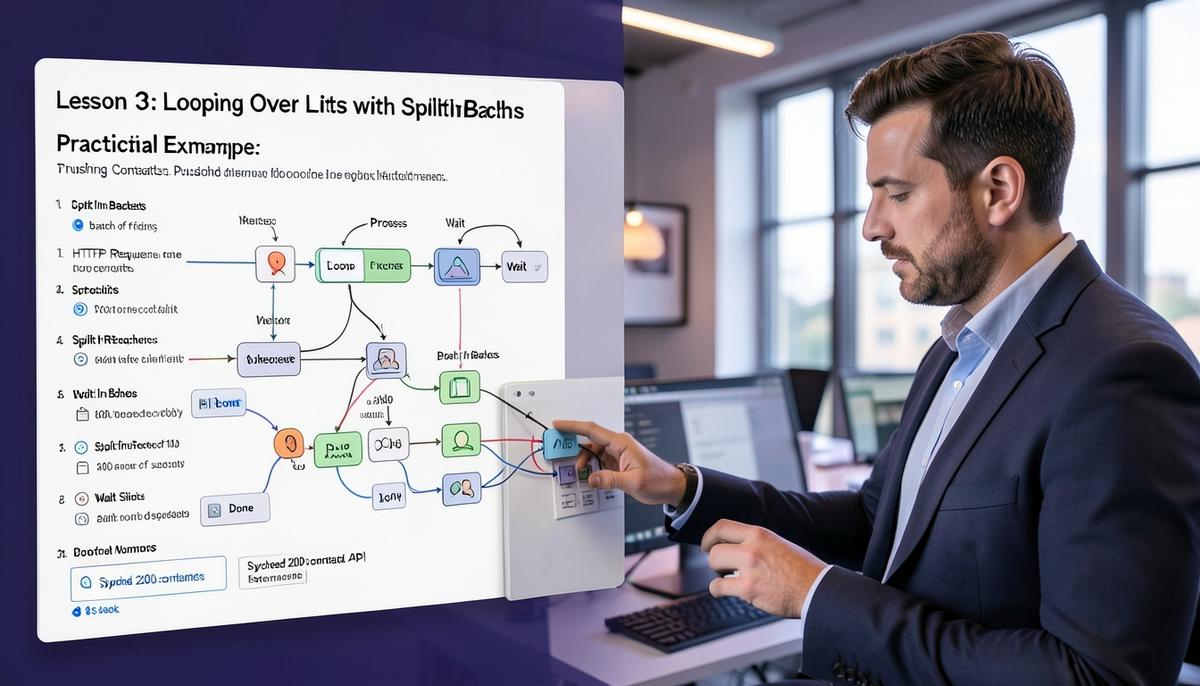
Practical Example: Pushing Contacts to an External API
Imagine you pulled 200 contacts from a CRM and need to POST each one to a webhook. Without batching you'd fire 200 requests instantly and likely hit a 429 Too Many Requests error.
The workflow looks like this: a Cron trigger fires daily, a HTTP Request node fetches contacts, SplitInBatches groups them by 10, each batch goes into a loop that calls the webhook for every item, then a Wait node pauses 6 seconds, then control returns to SplitInBatches for the next batch. Once all batches are processed, the "Done" branch logs "Synced 200 contacts" to Slack.
Common Mistakes
Forgetting to wire the loop back is the number one error — without that connection the workflow stops after the first batch. Another frequent slip is putting the Wait node after SplitInBatches instead of inside the loop branch; that defeats the purpose because no throttling happens between batches. Finally, remember that SplitInBatches keeps its state per execution, so each new trigger run starts from batch one — you cannot resume a half-finished batch loop across separate executions.
Summary
SplitInBatches is the go-to node whenever a downstream service cannot absorb your full list in one shot. Set a sensible Batch Size based on the target API's rate limit, always wire the loop output back, pair it with a Wait node inside the loop for throttle-friendly pacing, and use the "Done" branch for end-of-run housekeeping.
For lists larger than a few hundred items or for parallel processing, look at the Loop node or a sub-workflow with an Execute Workflow trigger instead — those are covered in later lessons.
Lesson Checkpoint
Review what you learned and get feedback on your work.