



Introduction
An AI web app is a website that does not just display information — it generates, reasons, or acts on your behalf using an artificial intelligence model behind the scenes. Think of a normal website as a vending machine: you press a button, you get a fixed item. An AI web app is more like a chef who reads your order, thinks about it, and cooks something custom on the spot.
The core idea is simple: the user types or uploads something, that input is sent to an AI model (such as a large language model), and the model's response is shown back inside the page. The "web app" part means it runs in a browser, has an interface, and feels like a tool you can use — not just a static article to read.
What Makes It Different From a Traditional Website
A traditional website is built around fixed content. A blog post, a product page, or a company homepage is written once by a human and shown to every visitor the same way. Even if the page uses JavaScript to update parts of itself, the source of the output is still a human-authored file sitting on a server.
An AI web app has a moving source of truth. The content on the page is produced at the moment the user interacts with it. If ten people use the same AI web app, they will likely see ten different responses. This shift from "store and display" to "generate and respond" is the single biggest change in how web software is built in the last twenty years.
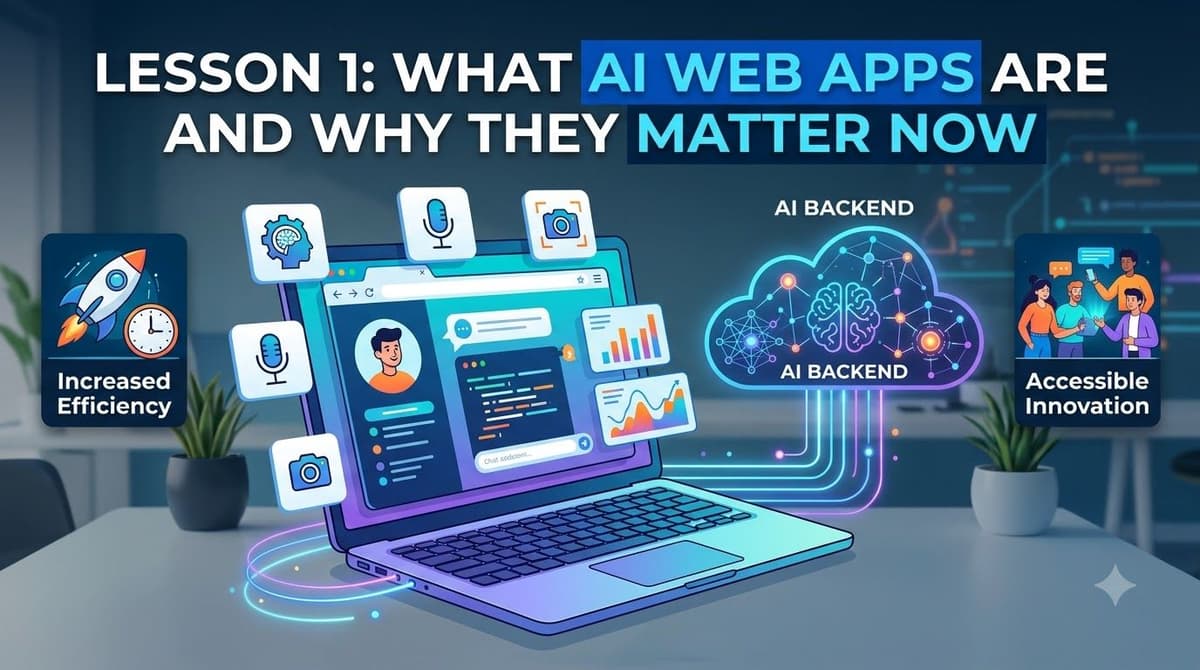
Why This Moment Matters
Three things have converged in the last couple of years. First, AI models became good enough to handle real tasks such as writing, summarizing, classifying, and translating. Second, the cost of calling those models dropped to a level where a small project can afford thousands of requests per month. Third, the tools to build web apps — including no-code and low-code platforms — became mature enough that someone without a programming background can ship a working product in days instead of months.
This means the barrier between having an idea and having a live AI web app that real users can try is now the lowest it has ever been. People who learn this skill today are early in a curve that is still steep upward.
A Simple Example
Imagine a small page with one text box and one button labeled "Rewrite politely." The user pastes a rude email, clicks the button, and a softer version of the email appears below. Behind the scenes, the page sends the text to an AI model with a short instruction, waits for the reply, and displays it. The whole app can be a single HTML file plus a tiny script.
The snippet above is a placeholder showing the shape of the interface. In a real app, the part marked as "Pretend AI replied" would be replaced by a call to an actual AI service that returns a rewritten version of the user's text.
Common Misconceptions
A frequent mistake is to think that an AI web app must look futuristic or be technically complex. In reality, many successful AI web apps are visually plain — a single input, a button, and a result area. Another mistake is believing you need to train your own AI model. Almost always, you call an existing model through an API and focus your effort on the interface, the prompt, and the user experience around it.
Summary
An AI web app is a website whose output is created by an AI model at request time, not stored in advance. It differs from a traditional website because every response can be unique. The current moment is favorable because AI capability, cost, and no-code tooling have all reached a practical level. For non-coders, this is one of the most accessible paths to building a real product on the open web.
The next lesson will look at the three core building blocks that appear in almost every AI web app: the front-end interface, the back-end logic, and the AI model call.
Lesson Checkpoint