



Introduction
Generative AI is a production capability within a creative workflow, not a replacement for the workflow itself. A generative model can produce text, images, layouts, audio, or video-like variations from patterns learned during training and instructions supplied by a user. Its value is highest when the creative problem is defined clearly enough to evaluate, but still open enough to benefit from variation.
A useful mental model is to separate four roles. The human sets the purpose and makes judgments. The model generates possible material. The tool provides the interface and production controls. An agent, when present, coordinates multiple actions toward a goal. These roles can work together, but they are not interchangeable. A model does not automatically know which audience matters, a tool does not define a message, and an agent does not remove the need for approval.
In practical work, the central question is not whether AI can produce something attractive. The question is whether the output communicates the intended idea, fits the context, and can be responsibly used. This lesson establishes that decision-making frame before introducing more specific prompting or production techniques.
What Generative AI Can Do
Generative AI is effective at expanding an early idea into alternatives. For a campaign about a public library, it might suggest several visual directions: a quiet editorial composition, a playful illustration, or a documentary-style scene. These options help a team compare tone and composition before investing in a final production route. The model is especially useful when the team needs breadth, references, or fast iteration.
It can also transform material. A designer can ask for a more restrained color direction, a different crop, a shorter version of a draft message, or variations that preserve a selected subject while changing the setting. These transformations are useful only when the required elements are described and checked. A generated variation may preserve the general mood while silently changing a product detail, a person’s features, or the meaning of the original message.
Generative AI is less dependable at tasks requiring exact truth, stable repetition, or precise intention. It may invent a statistic, distort a logo, produce unreadable text inside an image, or create a plausible but incorrect object. It can also reproduce familiar visual conventions so closely that the result feels generic. Treat generation as proposal-making: valuable for exploration, but not evidence that a claim, design decision, or factual detail is correct.
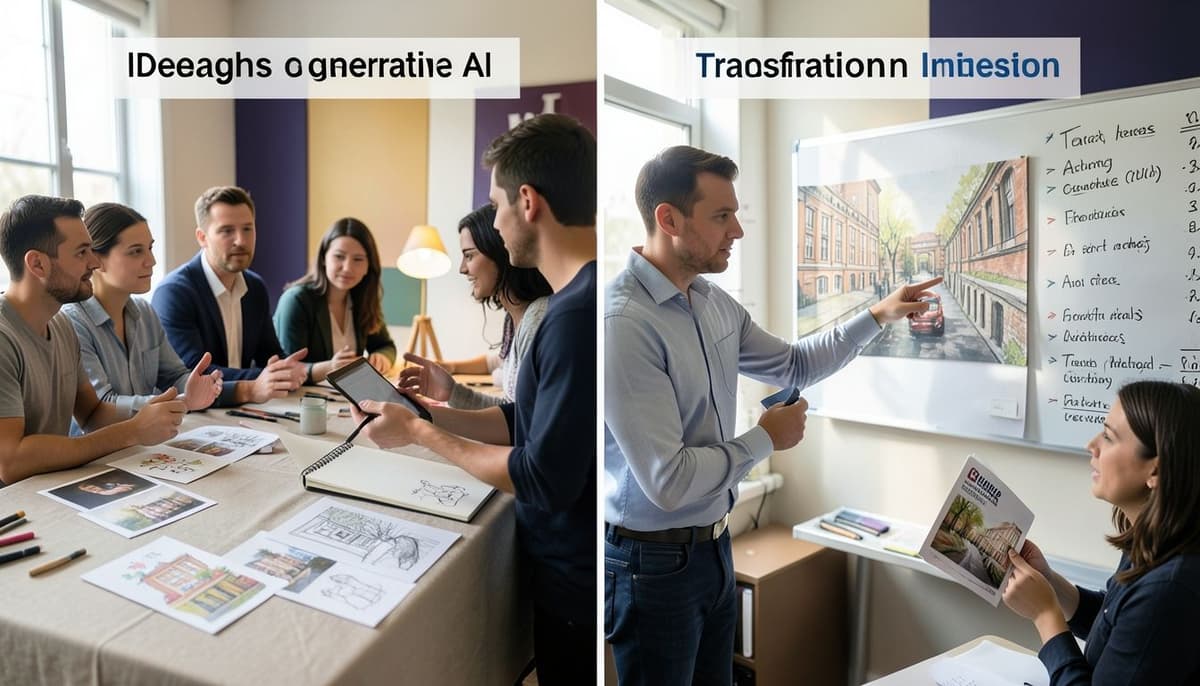
Human Judgment and Workflow Roles
Human judgment begins before generation. The human identifies the audience, objective, constraints, and success criteria. For example, a museum poster may need to attract visitors from a distance, preserve the exhibition title exactly, and feel credible rather than playful. Those requirements shape the brief and give the team a basis for rejecting attractive but unsuitable outputs.
The model then proposes material within the direction it receives. The tool exposes controls for input, selection, editing, file handling, and sometimes collaboration. These interfaces affect speed and repeatability, but they do not turn a weak brief into a strong strategy. A carefully chosen tool can make comparison easier, while a poorly organized workspace can hide versions and make decisions difficult to audit.
An agent is a different workflow layer. It may be configured to gather references, generate draft options, organize files, or route a result through several steps. Its usefulness depends on explicit boundaries, reliable inputs, and human checkpoints. An agent can coordinate actions, but it should not be treated as an unreviewed creative director. Define what it may do, what it must preserve, and where a person must approve the result.
A Practical Visual Workflow
Start with a visual brief that states the communication goal before describing style. Write what the viewer should notice first, what action or understanding should follow, and which elements cannot change. For a mobile event announcement, the fixed requirements might include the event name, date, location, accessibility note, and a readable call to action. Flexible qualities might include warmth, texture, image treatment, and secondary decorative elements.
Generate several directions rather than one supposedly final answer. Compare them using the same criteria: visual hierarchy, contrast, spacing, color relationships, audience fit, and consistency with the intended brand or subject. A strong direction should remain understandable when reduced to a small preview. If every element competes for attention, the problem is not solved by adding more detail. It usually requires removing noise and assigning a clearer order of importance.
Select one direction, then revise it deliberately. Correct factual content manually, replace unstable visual elements, test the design at its real viewing size, and record why the selected version works. The workflow should move from broad exploration to narrow refinement. Each round needs a decision, such as keeping the composition, changing the palette, simplifying the background, or rejecting the concept because its tone is wrong.

Before and After Evaluation
Imagine a first draft for a climate exhibition. The before version uses a dramatic dark background, a large photograph, a small exhibition title, three bright accent colors, and a dense block of details. It may look energetic in a full-screen preview, but the hierarchy is weak: the image dominates, the title is hard to find, and the colors compete with the information visitors need.
The after version gives the exhibition title the strongest contrast and a clear position near the top. The photograph is cropped to support the topic rather than occupy all available space. One accent color marks the date and call to action, while secondary information receives more space and calmer contrast. The result is not necessarily more spectacular. It is more legible, intentional, and appropriate to the viewing context.
Use a short review sequence. First ask whether the message is understandable without explanation. Then inspect hierarchy, alignment, whitespace, color contrast, and consistency across related outputs. Finally check factual claims, names, dates, permissions, privacy, cultural assumptions, and any details that the model may have invented. A visual result can pass the aesthetic review and still fail the responsibility review.
Common Failure Modes and Summary
A common failure is treating the first attractive output as the finished work. This creates a selection problem disguised as a generation problem. Another failure is writing a long style description without defining the communication objective. More adjectives may change surface appearance, but they do not establish hierarchy, audience, or meaning. A third failure is asking an agent to perform several uncontrolled actions without specifying checkpoints or preserved requirements.
Prevent these failures by keeping a visible brief, generating purposeful alternatives, and evaluating every option against stated criteria. Separate what must remain exact from what may change. Use AI for exploration and controlled transformation, then apply human editing and verification where precision matters. Keep versions understandable so that the team can explain how a decision was made.
The essential principle is division of responsibility. Generative AI expands the range and speed of creative exploration. Humans provide intent, taste, context, ethical judgment, and final accountability. Tools make actions possible, while agents can coordinate repeatable sequences under constraints. A successful workflow combines these roles without confusing generated possibility with validated creative work.
Lesson Checkpoint