



Introduction
AI video generation is a process in which a generative model creates a sequence of images that changes over time in response to instructions, references, or both. The output is not simply a written description converted into a finished movie. The system must interpret visual concepts, construct a plausible image, and maintain enough continuity between frames for the result to appear intentional and watchable.
For a storyteller, the important question is not only how impressive the tool looks. The important question is where it helps in the workflow. It can support visual exploration, shot development, mood testing, previsualization, and production of selected clips. It does not replace story decisions such as what the audience should notice, why a character acts, or how one shot changes the meaning of the next.

From Prompt to Moving Image
Most generative video systems work through a learned visual representation rather than treating every frame as an unrelated picture. A prompt provides conditioning: information that guides the desired subject, action, environment, camera behavior, lighting, and style. A visual reference can add further constraints, such as the approximate appearance of a character, the layout of a location, or the color relationship between foreground and background.
A useful high-level model is the transformation from uncertain visual information toward a structured sequence. The system estimates what images could satisfy the conditioning, then produces frames that are related in space and time. The exact internal architecture differs between tools, so a creator should avoid assuming that every platform exposes the same controls or uses identical terminology. What matters operationally is the result: the system is solving both an image problem and a continuity problem.
Text has limits because language is less precise than a storyboard. The phrase “a frightened person runs through a rainy street” leaves many choices open: the person’s direction, distance from the camera, speed, facial expression, street layout, and moment when the fear becomes visible. A stronger brief defines the visual priorities instead of adding decorative language. It states what must remain recognizable and what may vary.
The Visual Variables That Shape a Shot
Before generating, translate a story beat into visible decisions. Identify the subject, the action, the setting, the camera position, the movement, the lighting, the color structure, and the emotional emphasis. For example, “Mara realizes the train has left” becomes more useful when expressed as a medium shot of Mara on an empty platform, looking toward the departing train, with a locked camera and cold morning light. The emotional meaning comes from the situation and the composition, not from the adjective “sad” alone.
Composition controls attention. A large face near the frame edge creates a different reading from a small figure surrounded by negative space. A camera tracking beside a running character communicates urgency differently from a static wide shot that makes the character appear isolated. Color also carries narrative information: a warm interior against a blue exterior can suggest safety and distance, while low contrast may make a moment feel quiet or uncertain.
References are most effective when their purpose is specific. Use a character reference when identity or costume matters, a location reference when spatial design matters, and a composition reference when framing matters. Combining too many competing references can make the visual target ambiguous. Decide which reference has priority before generation and inspect whether the output respects that priority.
Temporal Consistency and Motion
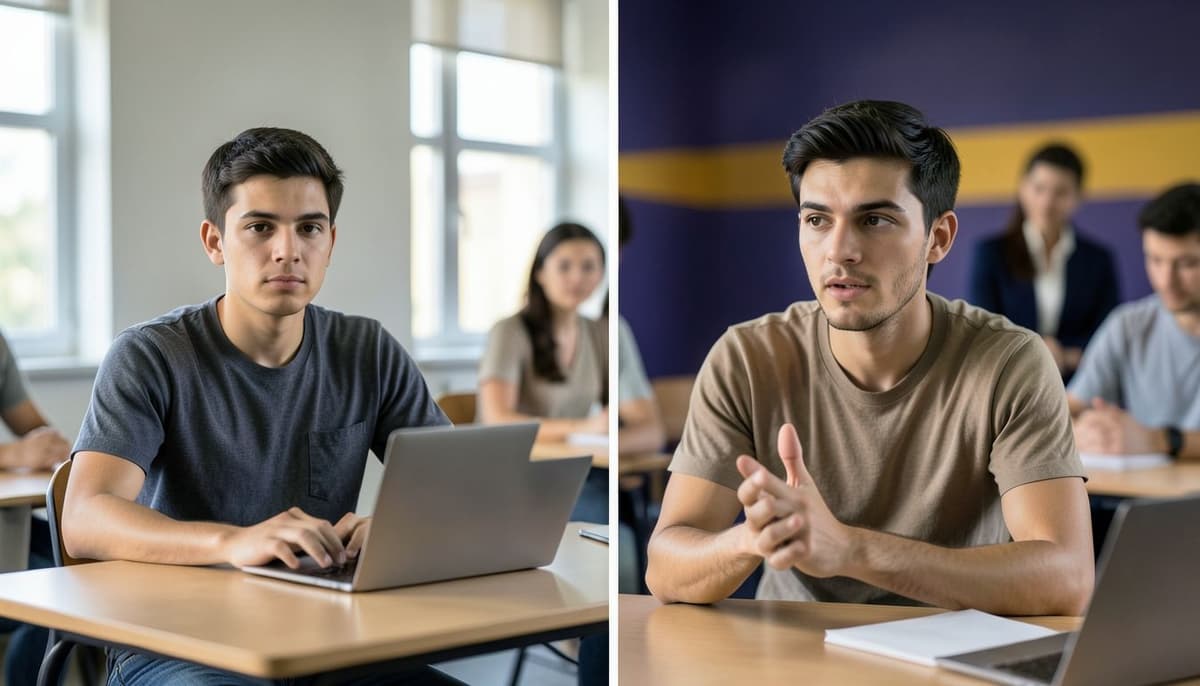
A video is judged across time, not only as a collection of attractive still images. Temporal consistency means that important properties remain stable enough from frame to frame: the character’s identity, clothing, body structure, object proportions, lighting direction, and relationship to the environment. A result can look convincing in one frame but fail when a face changes shape, a hand gains extra fingers, or an object jumps position during movement.
Motion should be treated as a designed change. Define what moves, what stays still, and how the camera participates. In a shot of a cyclist approaching a bridge, the cyclist may move forward, the wheels may rotate, the camera may remain fixed, and the bridge should preserve its shape. If the prompt implies that the cyclist, camera, weather, background, and lighting all change at once, the system has more relationships to maintain and the failure risk increases.
Start with a narrow motion brief. “A woman turns her head slowly toward the window while the camera remains still” is easier to evaluate than “a cinematic woman dramatically reacts as the camera circles through a changing room.” This does not mean every shot must be static. It means movement should serve a readable purpose and be introduced at a scale the sequence can support.
Where AI Fits in a Storytelling Workflow
AI video generation is useful during exploration because it can quickly test alternatives. A director can compare a close-up and a wide shot, a warm palette and a cold palette, or a slow camera move and a locked frame before committing to a visual direction. It can also create temporary previsualization that helps communicate rhythm, blocking, and transitions to collaborators.
A practical workflow begins with a story beat, not with a tool. Write the beat in one sentence, identify the audience’s intended focus, and choose the simplest shot that can express it. Generate a small set of variations, review them for visual and narrative function, then keep only the versions that support the sequence. Assemble selected shots in order and judge the transitions. A clip that looks excellent alone may be wrong if its screen direction, color, scale, or emotional intensity conflicts with the neighboring shots.
The system is less reliable as an autonomous storyteller. It may invent props, alter character identity, ignore spatial logic, or produce motion that does not match the intended action. Human direction remains necessary for continuity, selection, pacing, ethical review, and final meaning. Treat generation as an iterative visual production stage, not as a replacement for editorial judgment.
Evaluation and Common Failure Patterns
Evaluate each clip with five questions. Is the intended subject immediately clear? Is the action readable without explanation? Does the identity or key object remain stable across the shot? Does the camera movement improve the story rather than distract from it? Does the clip create the intended relationship with the previous and next shots? These questions are more useful than asking only whether the output looks cinematic.
A common failure is prompt overload. Adding many styles, lenses, lighting effects, actions, and locations can create contradictory priorities. Reduce the brief to the essential subject, action, composition, and mood, then add one controlled variable in the next iteration. Another failure is choosing a visually beautiful clip that has no editorial purpose. Place it beside the surrounding shots before deciding that it belongs in the final sequence.
A final failure is confusing technical smoothness with narrative clarity. A stable camera does not guarantee that the character’s motivation is visible, and consistent identity does not guarantee good pacing. Mark the exact moment when the audience should understand a change. If that moment is unclear, revise the framing, action, or shot duration rather than merely increasing visual detail.
Summary
Generative video systems use text and visual references as conditioning for producing related images across time. Their practical challenge is not just image quality but the coordination of subject identity, motion, composition, and continuity. The creator improves results by defining a clear story beat and controlling a small number of visual variables.
The strongest workflow connects story intention to shot design, uses references selectively, generates short focused variations, and evaluates clips in sequence. Judge every output by both visual evidence and narrative function. AI can accelerate exploration and production, but the human storyteller remains responsible for attention, meaning, continuity, and final selection.
Lesson Checkpoint
Review what you learned and get feedback on your work.